
Description
GoDevs Blocks is a free WordPress block plugin that extends the Gutenberg editor with
36 production-ready blocks built on a modern CSS Custom Property design token
system. Every block is responsive across 7 breakpoints, outputs clean semantic
HTML, and ships with zero inline styles — all styling is compiled to a single
per-page CSS file served as a static asset.
Core Blocks
- Box — Universal layout container with full flex and CSS grid support, link mode, animation classes, and custom HTML attributes
- Text — Rich text block for paragraphs, captions, labels, and dynamic content
- Heading — Semantic headings (h1–h6) with full typography control and dynamic content support
- Button — CTA button or anchor link with full styling and ARIA support
- Image — Responsive image with dynamic content source, link wrapping, and caption
- Grid — Powerful CSS grid layout system with responsive column control
- Query — Visual post query builder — filter by type, taxonomy, author, date, and more
- Query Loop — Loop template rendered inside the Query block
- Pagination — Standard, load-more, and infinite scroll pagination modes
- Icon — SVG icon block with stroke/fill control and size responsiveness
- Shape — Decorative SVG shape dividers for section transitions
- Separator — Styled horizontal rule with width, height, and colour control
- Spacer — Fixed-height vertical spacer with responsive height per breakpoint
- Tabs — ARIA-compliant tabbed content panels with keyboard navigation
- Accordion — Native
<details>/<summary>accordion with FAQ schema.org markup support - Query No Results — Customisable fallback content shown when a Query block returns zero posts
Design System Features
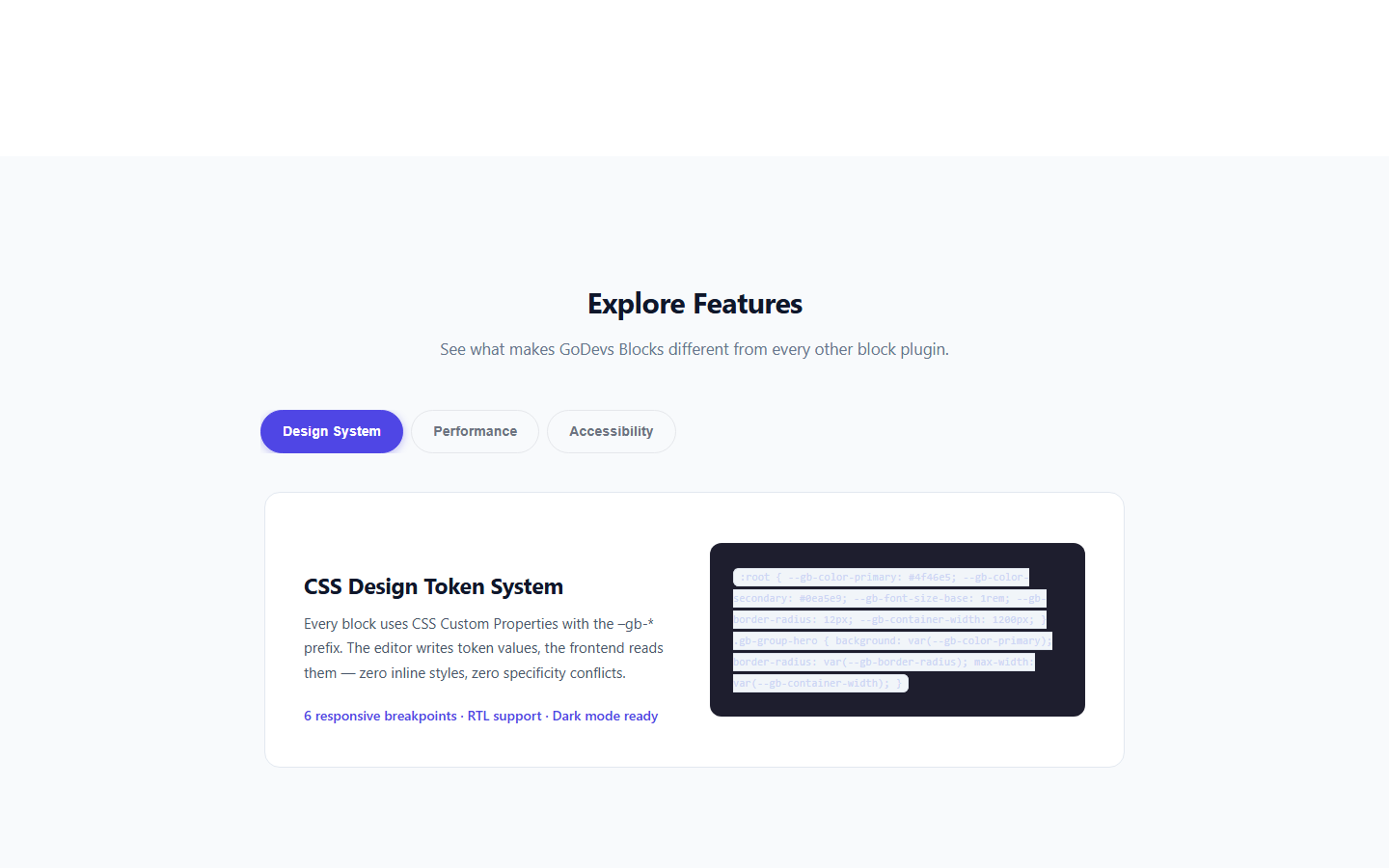
- Full CSS Custom Property design token system (
--gb-*prefix) - Responsive controls for every property (6 breakpoints: xs, sm, md, lg, xl, 2xl)
- Global color and typography presets managed in the GoDevs Blocks Global Styles panel
- Theme.json integration — reads and writes to WordPress global styles color palette
- Dark mode support via CSS custom properties
- RTL language support with automatic CSS flip
Performance
- Zero frontend JavaScript for layout and text blocks
- Per-page CSS file caching — served as a static file from the uploads directory
- Delta CSS regeneration — only regenerates CSS for blocks that change
- Block-level JavaScript code splitting in the editor
- No jQuery dependency
Accessibility
- WCAG 2.1 AA compliant markup
- Keyboard navigation for all interactive blocks (Tabs: Arrow keys, Home, End)
- Proper ARIA roles and attributes (
role="tablist",role="tab",role="tabpanel", etc.) - Semantic HTML output — choose your own wrapper tag (div, section, article, aside…)
- FAQ block content ships with schema.org/FAQPage structured data
Dynamic Content
- 15 built-in dynamic content tags: post title, excerpt, date, featured image, author name, meta fields, site name, and more
- Conditional output based on context (single post, archive, query loop)
- Secure validation and escaping for every tag
- Extensible via
goblocks_register_dynamic_tagshook
Pattern Library
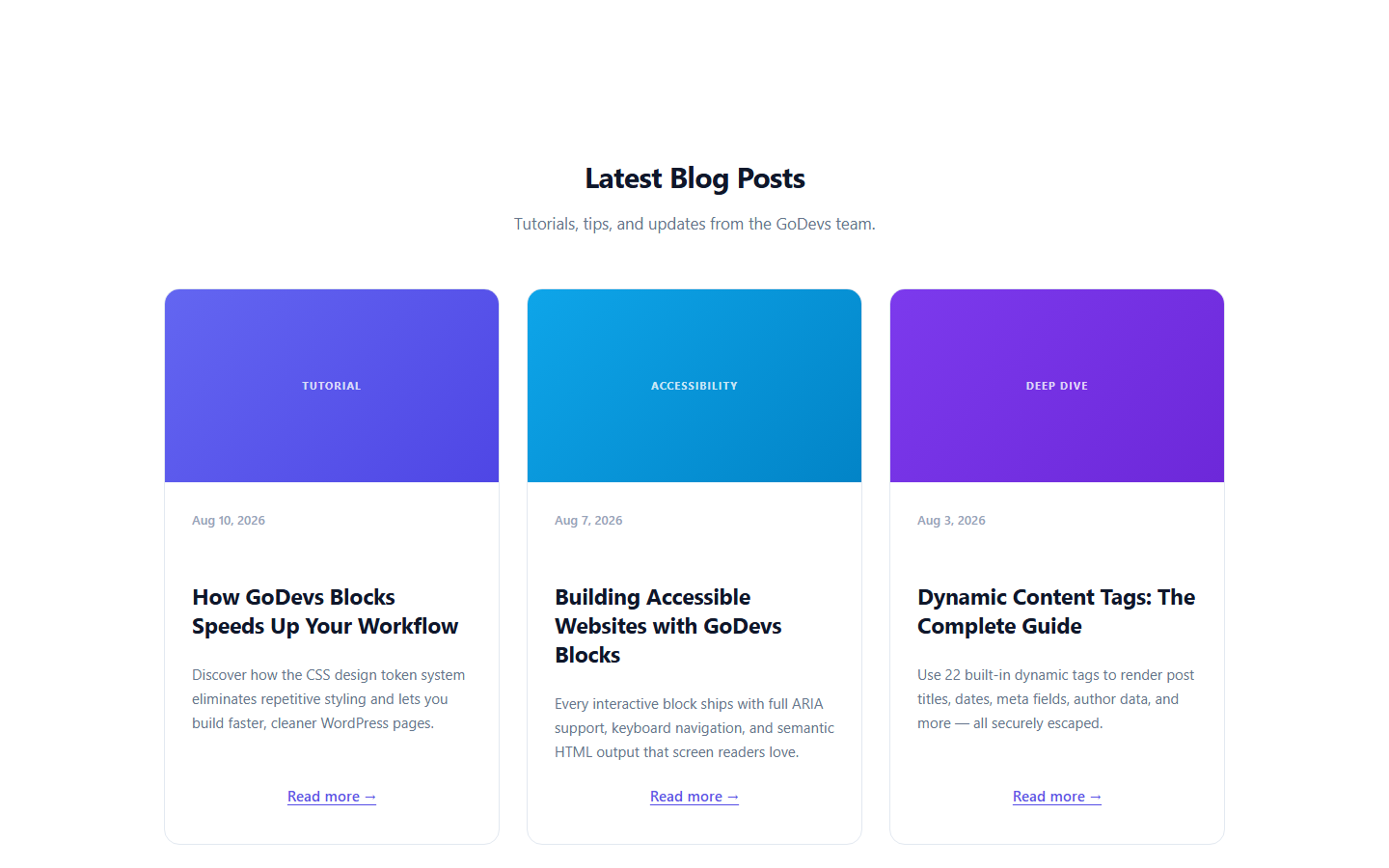
- 41 built-in block patterns across 18 categories: Hero (4), Features (4), Social Proof (5), Pricing (2), Stats (3), CTA (4), FAQ (2), Blog (3), Cards (2), Portfolio (2), Services (1), Team (2), About (1), Video (1), Newsletter (2), Contact (3), Logos (2), Announcement (1)
- Pattern browser in GoDevs Blocks Patterns admin page
- All patterns available in the block editor pattern inserter
Developer Friendly
- TypeScript throughout — strict mode, no
any - Zustand for editor state (no Redux boilerplate)
- Fully extensible via WordPress hooks and filters
- PSR-4 PHP, WordPress Coding Standards compliant
- PHPStan level 8 compliant
- REST API for settings, styles, queries, dynamic content, and patterns
Links
Source Code & Build
The complete, human-readable source code for this plugin — including all TypeScript block source files, SCSS, and build configuration — is publicly available at:
https://github.com/godevsltd/godevsblocks
The build/ directory in the plugin ZIP contains compiled assets generated from the src/ directory. To regenerate them:
- Clone the repository:
git clone https://github.com/godevsltd/godevsblocks.git - Install Node.js dependencies:
npm install - Build for production:
npm run build
Build tool: @wordpress/scripts (webpack-based). Node.js 18+ and npm 9+ required.
Screenshots


Blocks
This plugin provides 36 blocks.
- Flip Card 3D flip card with front and back sides revealed on hover or click.
- Slider A premium content slider with navigation arrows, dot indicators, and multiple transition effects including slide, fade, zoom, and cards.
- Group Universal layout container — div, section, article, or any semantic tag. Full flexbox/grid, background, spacing, and border controls.
- Shape Divider SVG shape divider — 12 preset shapes with color, height, flip, and responsive height controls.
- Alert Styled alert/notice box with optional dismiss button.
- Accordion Collapsible content panels using native <details>/<summary>. Supports FAQ schema and single-open mode.
- Text Rich text block for body copy with full typography and responsive controls.
- Icon Standalone SVG icon — choose from 250+ Tabler icons or paste a custom SVG.
- Query Visual query builder. Wraps Query Loop and Pagination blocks to display a dynamic post list.
- Timeline A vertical or horizontal timeline with date/title/content items.
- Lottie Animation Embed a Lottie JSON animation with autoplay and loop controls.
- Image Image block with media library, srcset, lazy loading, caption, and link wrapping.
- Container A centered content-width wrapper. Constrains inner content to a readable max-width with auto side margins.
- Social Share Social sharing buttons for Facebook, Twitter, LinkedIn, WhatsApp and more.
- Table of Contents Auto-generated table of contents from post headings.
- Modal A modal/popup dialog triggered by a button or link.
- No Results Content inside this block is displayed when the parent Query block returns zero results.
- Tabs Accessible tabbed content panels with Arrow / Home / End keyboard navigation.
- Navigation Render a WordPress navigation menu with mobile hamburger toggle.
- Button CTA button or link with full hover/focus state styling.
- Progress Bar Animated progress bar that fills when scrolled into view.
- Pricing Card A pricing card with plan name, price, features list and CTA button.
- Countdown Live countdown timer to a target date with days, hours, minutes, and seconds.
- Heading Semantic headings h1–h6 with full typography controls and optional link wrapping.
- Video Embed YouTube, Vimeo or self-hosted video with aspect ratio control.
- Counter Animated number counter that counts up when scrolled into view.
- Separator Styled horizontal rule with full width, height, and colour control.
- Star Rating Display a star rating with configurable value and max stars.
- Spacer Fixed-height vertical spacer with responsive height per breakpoint.
- Query Loop Iterates over query results. Add blocks inside to define the post template.
- Tab Panel A single tab panel — must be inside a Tabs block.
- Column A flexible column or grid cell. Place inside a Group block for side-by-side layouts.
- Slide A single slide within a Slider block.
- Timeline Item A single item within a Timeline block.
- Accordion Item A single accordion panel (<details>/<summary>) — must be inside an Accordion block.
- Pagination Context-aware pagination for Query blocks. Supports standard, load-more, and infinite scroll modes.
Installation
- Upload the
godevs-blocksfolder to your/wp-content/plugins/directory, or install via Plugins Add New in WordPress. - Activate the plugin through the Plugins menu in WordPress.
- Open any post or page in the block editor.
- Find GoDevs Blocks in the block inserter under the GoDevs Blocks category.
- (Optional) Visit GoDevs Blocks Global Styles to set up your color palette and typography presets.
- (Optional) Visit GoDevs Blocks Settings to configure breakpoints, CSS output method, and other options.
Requirements:
- WordPress 6.5 or higher
- PHP 8.0 or higher
- A modern browser (Chrome, Firefox, Safari, Edge — latest two major versions)
FAQ
-
Does GoDevs Blocks work with my theme?
-
Yes. GoDevs Blocks works with any WordPress theme — FSE (Full Site Editing) themes,
classic themes, and hybrid themes. It uses CSS custom properties that integrate
with your theme’s existing design system without overriding it. -
Does GoDevs Blocks work with Full Site Editing?
-
Yes. All GoDevs Blocks blocks use block API v3 with full
block.jsonregistration,
making them fully compatible with the Site Editor. GoDevs Blocks also integrates with
theme.json via thewp_theme_json_data_themefilter to share color palettes
with the global styles system. -
Does GoDevs Blocks work with WordPress Multisite?
-
Yes. GoDevs Blocks is multisite-compatible. Each site in a network has its own CSS
cache directory, its own settings, and its own global styles — fully isolated. -
Will GoDevs Blocks slow down my site?
-
No. GoDevs Blocks generates a single CSS file per page, served as a static file from
your uploads directory with standard browser caching. There is zero frontend
JavaScript for all layout, text, heading, image, and icon blocks. Interactive
blocks (Tabs, Accordion) use tiny vanilla JS IIFE scripts (~500 bytes each) that
are only loaded when the block is present on the page. -
How do I use dynamic content?
-
Use the dynamic tag syntax
{post_title},{post_date|format:Y}, or
{post_meta|key:_my_field} in any text or heading block. Click the Dynamic
Content button in the block toolbar to browse all available tags. Tags are also
supported in imagesrc,alt, and HTML attributes. -
Yes. Implement the
GoBlocks\DynamicContent\TagInterfaceand register your tag:`phpadd_action( ‘goblocks_register_dynamic_tags’, function( $registry ) {
$registry->register( new My_Custom_Tag() );
} );
` -
Does GoDevs Blocks generate bloated HTML?
-
No. GoDevs Blocks outputs minimal semantic HTML. There are no wrapper divs, no
data-attributes on most elements, and no inline styles. All styling is done
through CSS custom properties scoped to the block’s unique class. -
What is the CSS output method?
-
By default, GoDevs Blocks writes a single CSS file per page to
wp-content/uploads/goblocks/
and serves it with a<link>tag. This can be changed to inline<style>output
in GoDevs Blocks Settings CSS Print Method. -
How do I add the FAQ schema markup to my accordion?
-
Select your Accordion block, open the Inspector panel, and toggle Enable FAQ
Schema. GoDevs Blocks will automatically addschema.org/FAQPage,Question, and
Answer structured data to the rendered HTML.
Reviews
There are no reviews for this plugin.
Contributors & Developers
“GoDevs Blocks” is open source software. The following people have contributed to this plugin.
Contributors
Translate “GoDevs Blocks” into your language.
Interested in development?
Browse the code, check out the SVN repository, or subscribe to the development log by RSS.
Changelog
1.0.0
- Initial release.
- 36 Blocks: Group, Column, Container, Text, Heading, Button, Image, Icon, Shape, Separator, Spacer, Tabs, Tab Panel, Accordion, Accordion Item, Query, Query Loop, Query No Results, Pagination, Navigation, Counter, Progress Bar, Alert, Star Rating, Lottie, Flip Card, Countdown, Social Share, Table of Contents, Slider, Slide, Modal, Pricing, Timeline, Timeline Item, Video.
- Icon block: Built-in visual icon picker with 112 icons across 13 categories (UI, Arrows, Communication, People, Files, Media, Commerce, Location, Sharing, Social, Time, Misc).
- Design Token System: CSS custom properties with 7 breakpoints, RTL flip, minification, and deduplication.
- Dynamic Content System: 15 built-in tags, loop/single/archive contexts, secure tag validation.
- Global Styles Framework: Color palette editor, typography presets, container width, dark mode toggle, theme.json integration.
- Pattern Library: 41 built-in patterns across 18 categories — pattern browser admin page + block editor inserter.
- FSE Support: Full Site Editor compatible; template-level CSS injected at wp_head priority 8.
- Performance: Per-page CSS file cache, delta regeneration, zero frontend JS for layout/text blocks, deferred animation observer script.
- Accessibility: WCAG 2.1 AA, ARIA roles, keyboard navigation, semantic HTML output.
- Developer: TypeScript strict, Zustand, PSR-4, WPCS, PHPStan level 8, REST API, i18n (.pot with 108 strings).