
Description
WordPress users, elevate your web design experience with Unlimited Elements for WordPress. An all in one plugin that instantly gives you the most advanced blocks and tools to make better WordPress websites faster. Take your WordPress website to the next level.
View WordPress blocks Demos
Browse our extensive collection of free blocks or upgrade to our pro version for access to over 200 additional unique drag and drop blocks for WordPress. Each block provides a wide range of options to easily control every aspect. If you can’t find what you need, our block Creator Framework empowers you to create any block you can imagine.
Plugin Features
-
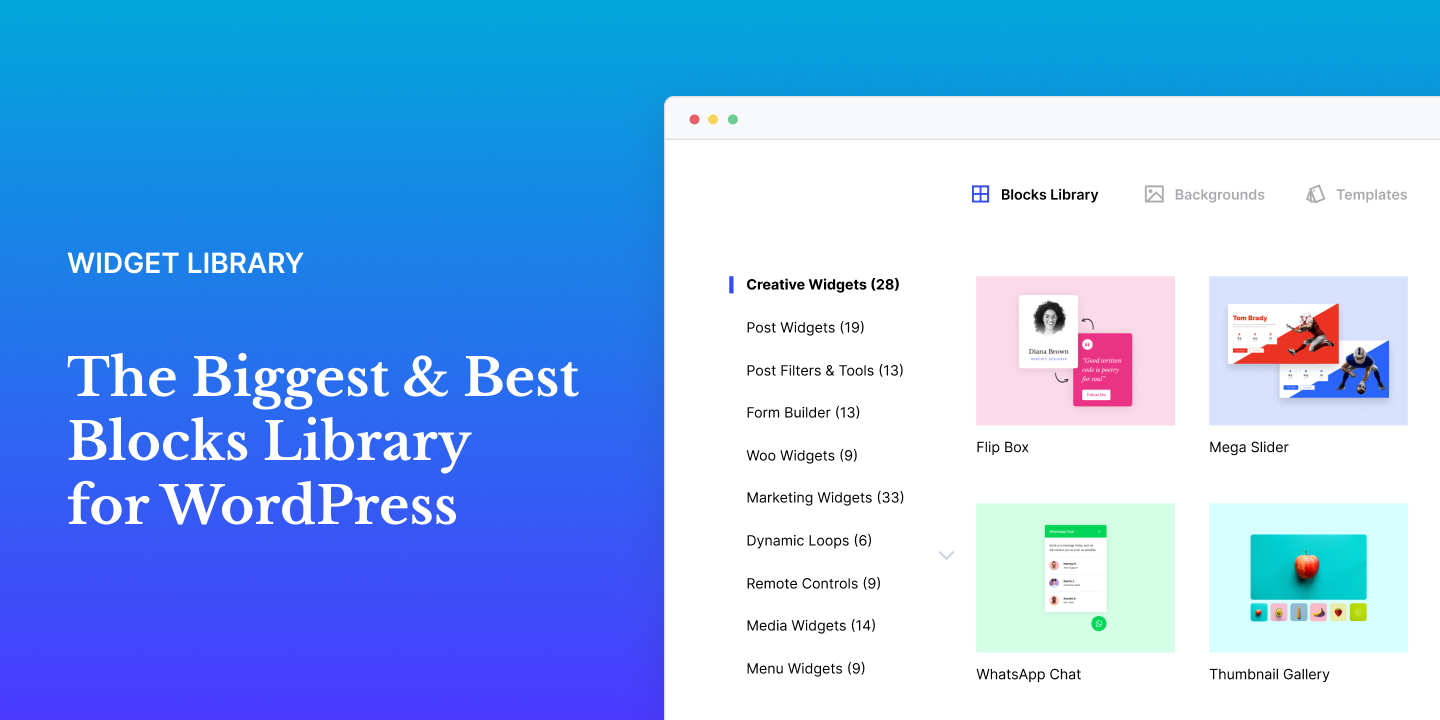
block Library Enhance the popular WordPress page builder with our user-friendly and innovative block library. Simplify your website by finding everything you need in one place, without the need for multiple plugins.
-
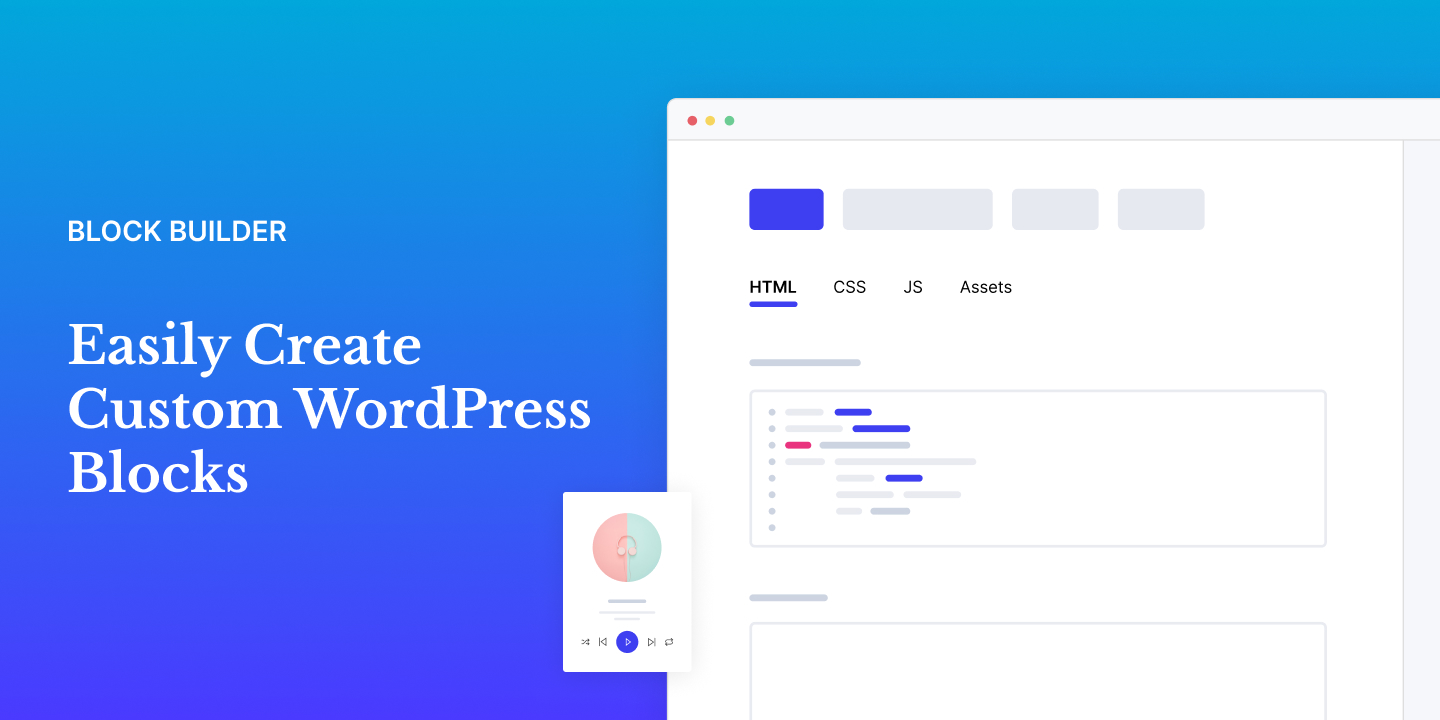
block Creator Save valuable time by eliminating the need to search for numerous plugins and add-ons. Instead, create customized, professional blocks that perfectly align with your website requirements.
-
WordPress Templates Effortlessly kickstart your web project with pre-designed templates. Say goodbye to endless searches for inspiration or starting from scratch. Get your project up and running in seconds with our collection of template kits.
-
Loop Builder Easily create dynamic Loop Items within the WordPress Theme Builder by utilizing any loop block layout of your preference. Effortlessly populate the chosen block with dynamic content to craft versatile and engaging Loop Items.
-
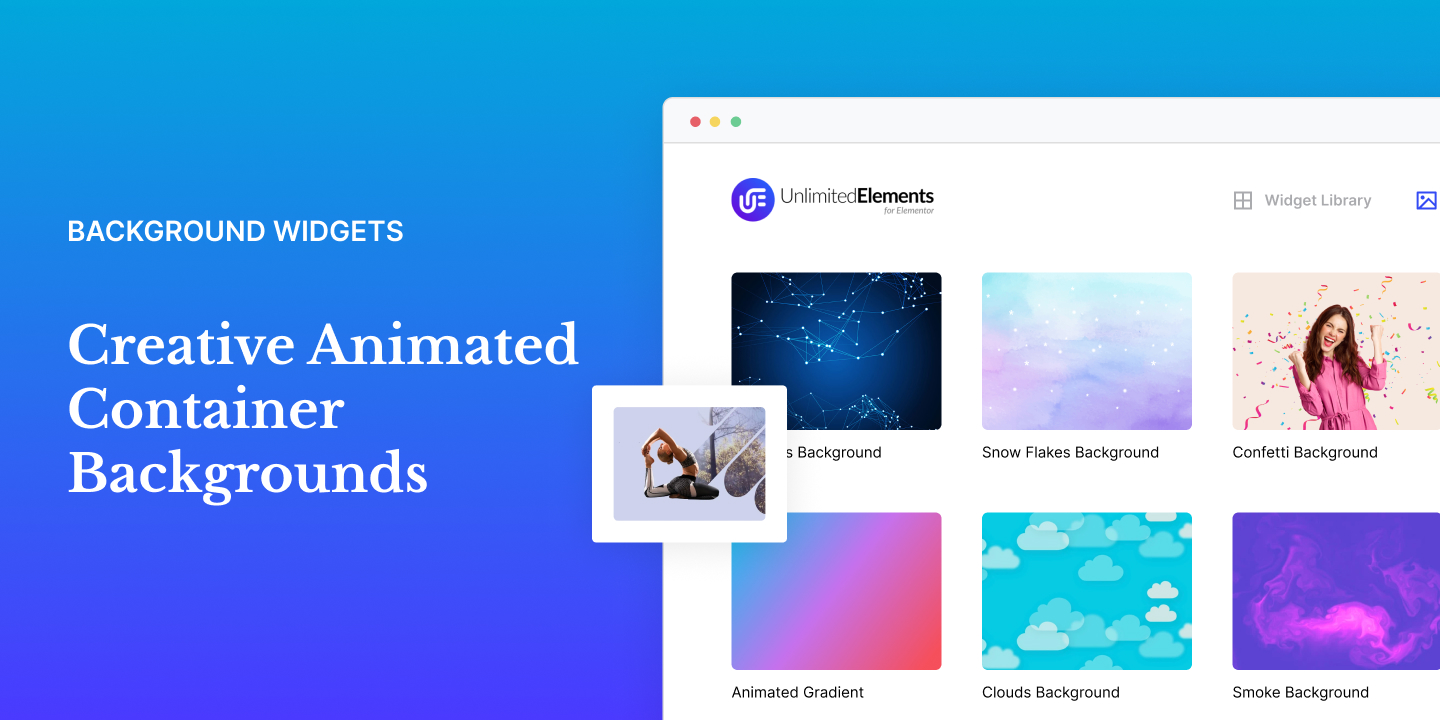
Background blocks Elevate your web designs instantly with our user-friendly animated backgrounds available in our extensive block library. Experience seamless integration and unleash your creativity like never before.
-
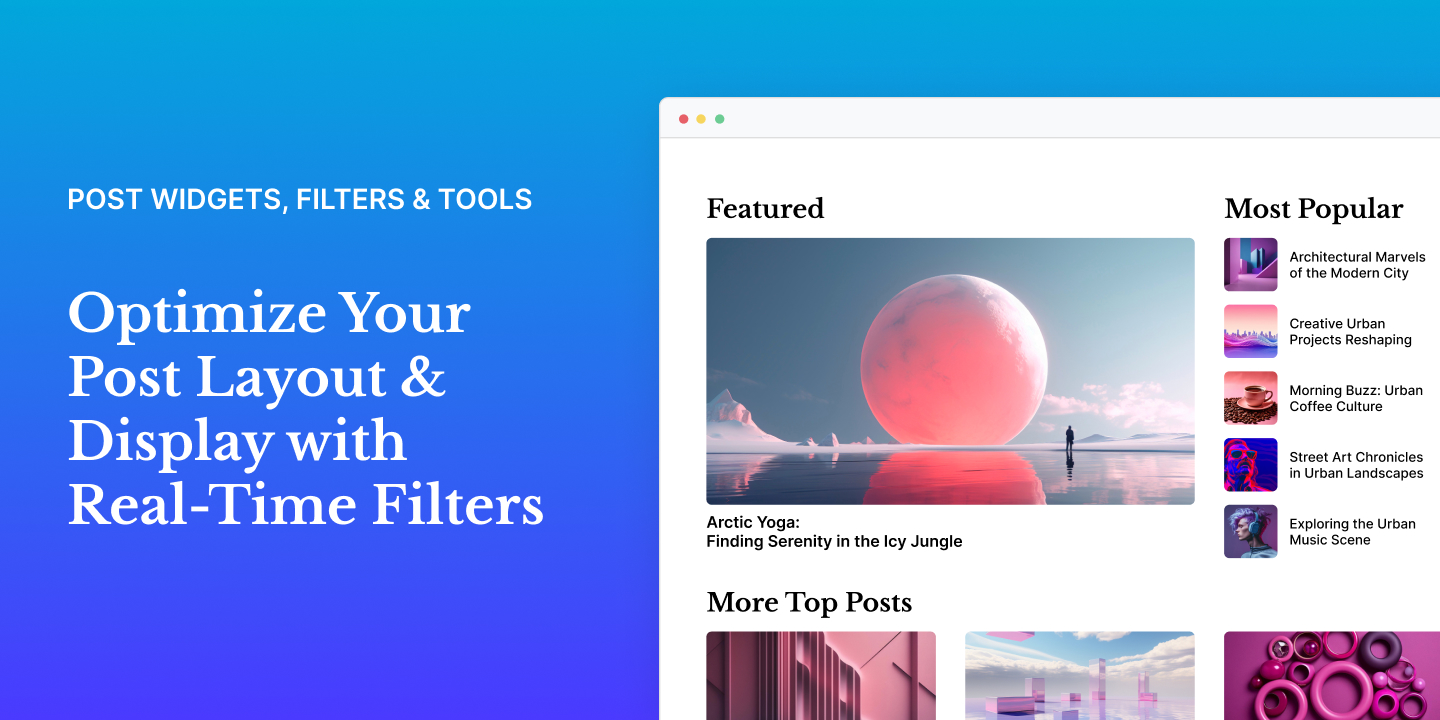
Post blocks & Filters Easily create stunning post layouts with real-time filters. Improve the browsing experience for website visitors by helping them find the content they are looking for. Effortlessly display posts using advanced criteria on your entire website.
-
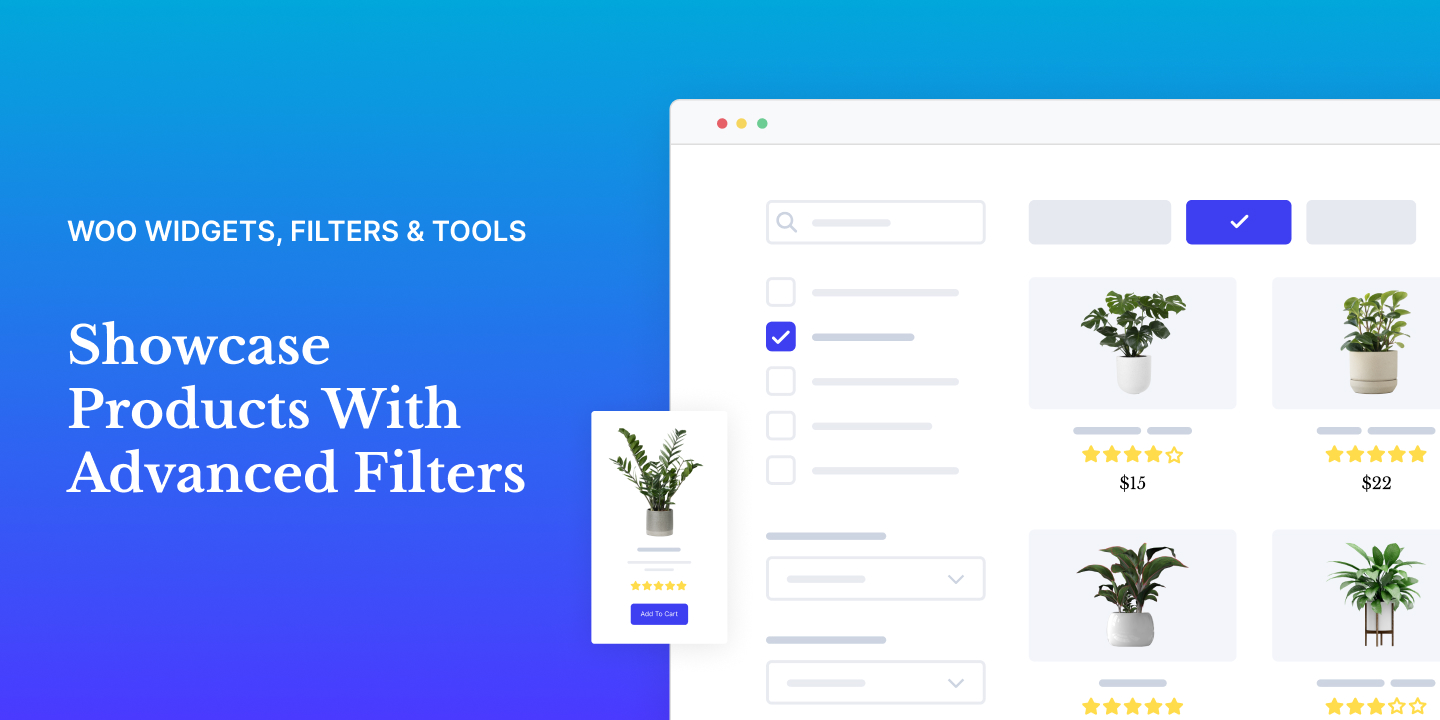
WooCommerce blocks & Filters Create stunning product layouts with dynamic real-time filters. Showcase your products and categories in a wide array of interactive formats, such as grids, carousels, sliders, and more.
-
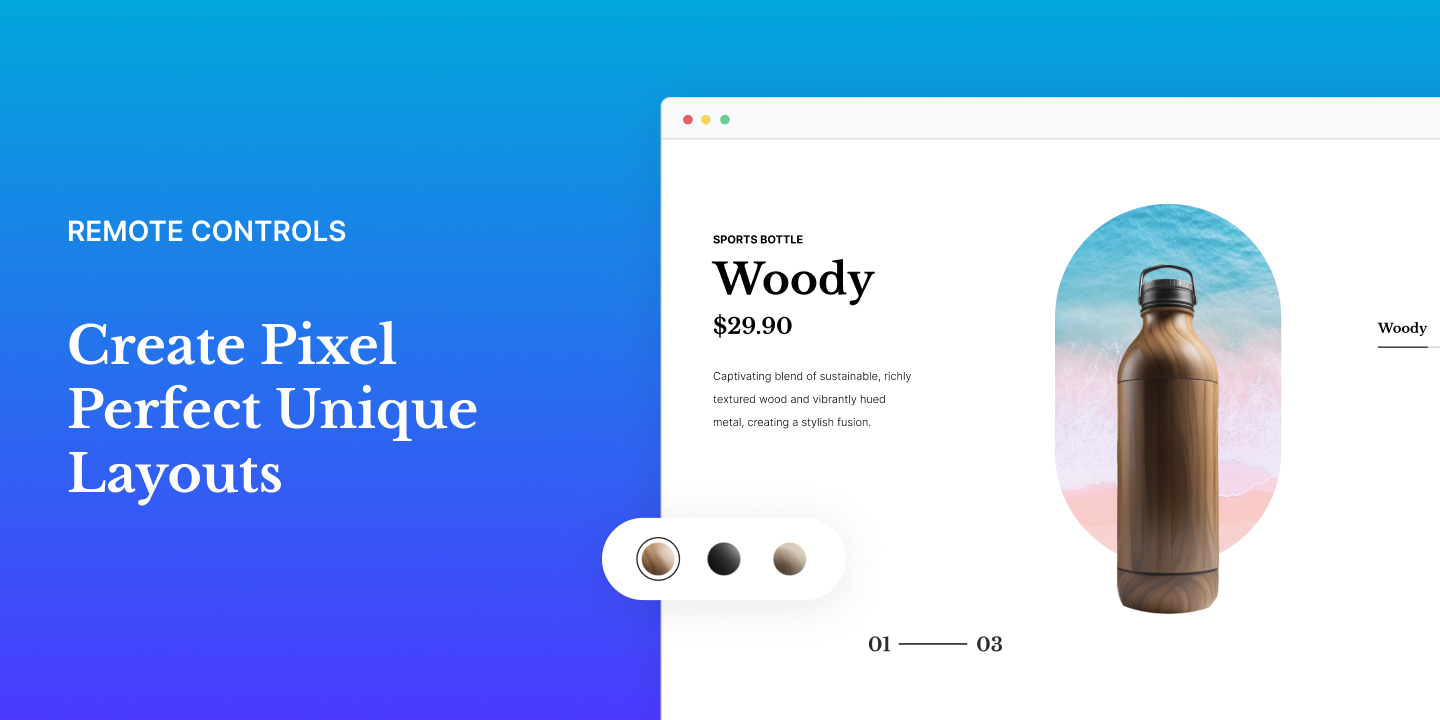
Woo blocks & Filters Unleash your creativity with advanced and customizable layouts. Take full control of your designs and make them truly unique using the remote controls. Stand out from the crowd with layouts that are both eye-catching and distinctive.
-
Sync Between blocks Elevate your web designs to new heights by seamlessly synchronizing multiple item-based blocks. This powerful feature empowers you to effortlessly create intricate and personalized layouts, taking your designs to the next level of sophistication.
-
Multi-Source Galleries Empower your gallery showcase by effortlessly featuring Woo products, WordPress posts, Instagram feeds, and a variety of other sources, including various API integrations.
-
Live Copy Paste Copy and paste fully designed sections from the Unlimited Elements website directly to your website, saving you time and ensuring you can finish your web project as soon as possible.
-
Mega Menu Builder Easily craft a distinctive Mega Menu for your website navigation by incorporating images, icons, links, and various WordPress blocks into unique menu layouts.
-
Mega Slider Builder Easily turn any WordPress sections into slider slides. Now you can amaze your website visitors with jaw-dropping slider designs that look amazing on any device.
-
Multi-Source blocks Add content dynamically to item-based blocks effortlessly with support for ACF repeaters, JSON/CSV files, Woo Products, WordPress posts, users, menus, and a range of API integrations.
-
Dynamic Popup Builder Dynamically create a popup to add a quick view of the post without leaving the page. Use a WordPress single post template to create the layout of the dynamic popup.
-
WordPress Form Builder Build advanced forms effortlessly using the drag-and-drop form builder. Whether it is a simple or complex form, our straightforward form blocks make it quick and easy to create forms, improving your workflow.
-
Calculator Builder Easily design professional calculators for any type of industry. Whether you need a loan calculator, mortgage calculator, or business calculator, our powerful and intuitive drag and drop builder makes it easy to create complex calculators with ease.
-
WordPress Filter blocks Unlock the potential of the AJAX-based faceted filter system, seamlessly empowering you to craft diverse layouts with ease. Take control by applying multiple filters, ensuring a super-fast and dynamic filtering experience tailored to your website needs.
block Library
Find everything you need in one convenient package and supercharge your WordPress website.
Creative blocks for WordPress
Tools for WordPress
Post blocks for WordPress
Post Filters & Tools for WordPress
Form Builder for WordPress
Woo blocks for WordPress
Marketing blocks for WordPress
Loop Builder for WordPress
Remote Control blocks for WordPress
Menu blocks for WordPress
Content blocks for WordPress
Media blocks for WordPress
Infographic blocks for WordPress
Content Boxes for WordPress
Hover Effects for WordPress
Button blocks for WordPress
Typography for WordPress
Separators and Dividers for WordPress
Hero blocks for WordPress
Background blocks for WordPress
Integrations
Unlimited Elements empowers you to connect with popular integrations, streamlining your website building process. Use the tools you love by effortlessly incorporating data directly into WordPress blocks.
- ACF
- Toolset
- PODS
- Woo
- Google Sheets
- Google Calendar
- Google Reviews
- YouTube
- Vimeo
- Wistia
- ExchangeRate API
- OpenWeather API
JOIN OUR GROWING COMMUNITY
Screenshots
Installation
Note : This plugin works with WordPress. Make sure you have WordPress installed.
- Upload the plugin folder to the
/wp-content/plugins/directory, or install the plugin through the WordPress plugins screen directly. - Activate the plugin through the ‘Plugins’ screen in WordPress
- Navigate to Unlimited Elements in the WordPress side menu and install the block you want by hovering over it and clicking install.
FAQ
-
Can I use the plugin without WordPress?
-
No. You cannot use the plugin without WordPress since it’s an addon for WordPress.
-
Does the plugin work with any theme?
-
Absolutely! The plugin will work with any theme where WordPress works.
-
Your existing elements/content will work with the premium version. So you won’t lose your any of your hard work.
-
Can I get a refund?
-
If you are not happy with your purchase at anytime just contact us and we will refund 100% of your money no questions asked.
-
Do you offer a renewals discount?
-
Yes, you get 25% discount for all annual plan automatic renewals. The renewal price will never be increased so long as the subscription is not cancelled.
-
How do I install and activate the ‘Unlimited Elements for WordPress’ plugin on WordPress?
-
To install the ‘Unlimited Elements’ plugin on your WordPress site, access your WordPress Dashboard and go to Plugins -> Add New. In the search box, enter ‘Unlimited Elements.’ Locate the plugin in the search results and click on the ‘Install Now’ button. Once the installation is finished, click on the ‘Activate’ button, and ‘Unlimited Elements for WordPress’ will be successfully activated on your WordPress site.
-
Do I need to know code to use Unlimited Elements?
-
No, you do not need to know code to leverage the blocks and other tools provided by the Unlimited Elements plugin. It is designed to be user-friendly, allowing you to enhance your WordPress experience without any coding expertise. However, for users familiar with code, the plugin offers the added advantage of a block creator, enabling the creation of custom WordPress blocks for a more tailored and advanced design experience.
-
Is my site secure with Unlimited Elements?
-
Yes, Unlimited Elements is a secure plugin. The plugin is regularly updated to adhere to common security standards, ensuring a secure environment for your website.
-
What types of filters does Unlimited Elements provide?
-
Unlimited Elements offers a variety of filter types, including search filters, dropdowns, tabs filters, checkboxes filters, and WooCommerce-related filters, providing a diverse range of options for dynamic and versatile website filtering.
-
Are the filters compatible with any post type or WooCommerce products?
-
Yes, all the filters provided by Unlimited Elements are live Ajax filters, ensuring dynamic and seamless filtering experiences. They are compatible with any post type, including custom post types, and WooCommerce products, offering versatile functionality for a wide range of content on your website. Utilize specific WooCommerce filters to enhance the shopping experience for your customers, such as the price range slider filter and color swatches filter for products with different colors.
-
Can I use Unlimited Elements to display custom post types in my blocks?
-
Yes, Unlimited Elements supports showcasing custom post types with advanced query selection and seamless connection to any filter from the UE library. This allows for tailored and dynamic content presentation on your website using the plugin’s versatile features.
-
What are multi-source blocks in Unlimited Elements?
-
Multi-source blocks in Unlimited Elements enable the population of item-based blocks with various dynamic source types. These blocks can be populated using sources like ACF repeater fields, WooCommerce products, custom post types, Instagram feeds, and various API integrations. This versatility allows for the seamless integration of diverse content into blocks, enhancing the flexibility and functionality of your website elements.
-
Should I use Remote Control blocks or the Sync blocks function in Unlimited Elements?
-
The choice depends on your design preferences. If you want complete control, go for Remote Control blocks. For synchronized layouts, choose Sync blocks. They can also be used together for even more powerful customization options in Unlimited Elements.
Reviews

Contributors & Developers
“Unlimited Elements Blocks Library” is open source software. The following people have contributed to this plugin.
Contributors


Translate “Unlimited Elements Blocks Library” into your language.
Interested in development?
Browse the code, check out the SVN repository, or subscribe to the development log by RSS.
Changelog
2.0.10 – 2026-05-14
- Fix – fixed the pro version missing files
2.0.9 – 2026-05-13
Plugin Changes:
- Fix: added translation for sorting filter fields for wpml
- Fix: fixed some filter tabs security issues
- Fix: fixed the hard coded wpp orderby
- Feature: added option to show demo data in google reviews to save serp api credits
Blocks Changes:
- Feature: List Marquee (Pro) – Introduced a Speed Type option for the Marquee Block, offering two distinct movement behaviors: Regular – the animation speed is determined by the content width. Under this setting, a wider Marquee will move faster to complete its full cycle within the same allocated timeframe. Pixels Per Second – the movement maintains a constant, uniform speed regardless of the content’s width, ensuring a consistent visual pace across different elements.
- Feature: Flip Box Carousel (Pro) – Introduced Image Border Radius and Image Border options, providing comprehensive control over corner rounding and border styling.
- Feature: Remote Bullets (Free) – Added Bullet Background Color Hover option, providing granular control over the visual feedback of the Bullets when hovered by a user
- Feature: Video on Hover (Free) – Implemented a Stop Video on Outside Click functionality, ensuring that video playback automatically terminates when a user clicks anywhere outside the Block
- Feature: Unlimited Timeline (Free) – Introduced an Item ID option, enabling the assignment of unique identifiers to individual elements for more precise CSS styling and targeted JavaScript interactions.
- Feature: Taxonomy Terms (Pro) – Implemented a comprehensive “Show All” button feature that grants the ability to integrate a custom global action button with fully configurable text and destination links.
- Feature: Before After (Free) – Implemented a vertical swipe gesture support for the Before After Block when configured in horizontal mode, ensuring intuitive interaction and accessibility across all touch-enabled devices.
- Feature: Instagram Feed (Free) – Implemented a new functionality that automatically detects video content within Instagram posts and displays it in a lightbox for an enhanced viewing experience.
- Feature: Video Carousel (Free) – Introduced a Loop option for video content, enabling continuous playback to create a seamless, repetitive viewing experience for users.
- Fix: Scroll Accordion (Pro) – Resolved a UI accessibility bug where buttons within cards were unreachable or unclickable in specific layouts, ensuring consistent interactivity regardless of the card’s container or positioning.
- Fix: Content Accordion (Free) – Implemented support for the Before After Block when used within Elementor templates as Accordion items,
- Fix: Flip Box (Free) – Resolved a navigation bug where the Back Link and Back Button link elements failed to function
- Fix: Image Scroll (Free) – Resolved a rendering issue where the bottom SVG image failed to display correctly due to low CSS specificity
- Fix: Video on Hover (Free) – Resolved a race condition in the Elementor editor where video playback would initiate before the necessary JavaScript assets had fully loaded
- Fix: Video on Hover (Free) – Resolved a playback logic conflict where Vimeo-sourced videos would continue to loop even when the “Restart Video” option was disabled
- Fix: Content Tabs (Free) – Resolved a synchronization issue where clicking an anchor link would occasionally fail to trigger a switch to the corresponding active tab, ensuring consistent navigation and tab state alignment
- Fix: Unlimited Timeline (Free) – Resolved a styling bug where the active state background color failed to render
- Fix: SVG Animation (Free) – Resolved a redundancy conflict where Blocks would erroneously duplicate or fail to maintain a single instance when placed within a sticky container.
- Fix: Justified Image Carousel (Pro) – Resolved a rendering issue where content background styles would persist or display incorrectly in scenarios where all nested content elements were set to “display: none.”
- Fix: Scroll Text Animation (Free) – Enhanced performance and improved compatibility with other GSAP Blocks.
- Fix: Scroll Image Comparison (Pro) – Improved performance and compatibility when used within iframes.
- Fix: Video Carousel (Free) – Resolved a scope issue with the “Outside Click” feature where the “Stop Video” functionality would only trigger for the final instance on pages containing multiple Video Carousel Blocks.
- Fix: Sorting Filter (Pro) – Resolved a bug where the “Ascending” text option failed to populate within the select element, ensuring all sorting parameters are correctly visible and selectable.
2.0.8 – 2026-04-23
- Fix: fixed some more security issues with addons search
- Fix: fixed the time ago string, use it from date and not from modified date of the post
- Fix: in google reviews – don’t run the serp request
2.0.7 – 2026-04-12
Plugin Changes:
- Fix: fixed some search related bug
- Feature: added “view objects” page in settings->troubleshooter
- Feature: added action and filter for request in get repeater from url
- Fix: improved the time ago string
- Fix: set the elementor dynamic settings under ajax
- Fix: fixed the typography fatal error with new elementor editor
- Fix: main role filter was inited after load in some cases.
- Fix: fixed bug with synced grids inside simple popup Block
- Fix: image title get from “alt” when the caption is empty
- Fix: fixed some security issues with repeater url
- Fix: fixed some security issues get addons ajax url
Blocks Changes:
- Feature: Conditions (Free) – Added a Custom User Role trigger type so actions can run based on the logged-in user’s role for access control and personalization.
- Feature: Place (Free) – Added custom title options for Price Range, Rating, Reviews, and Week Days (Monday-Sunday) so labels can be renamed or translated.
- Feature: Checkboxes Filter (Pro) – Added margin options for parent and child terms for finer spacing and layout hierarchy.
- Feature: Coverflow Carousel (Free) – Added opacity options for normal and active states for smoother transitions and transparency control.
- Feature: Simple Popup (Free) – Added Popup Vertical Offset and Popup Horizontal Offset for finer positioning.
- Feature: Unfold Content (Free) – Added support for the Content Tabs Block for more flexible, organized layouts.
- Feature: Recipe (Free) – Added title options for Instructions, Ingredients, and Video for custom labeling and styling.
- Feature: Before After (Free) – Added support for using the Before/After Block inside Elementor Tabs so the comparison slider initializes correctly when switching tabs.
- Feature: Flip Box Carousel (Pro) – Added support for the Override Item BG Image setting in Multi-source options for more flexible backgrounds across sources.
- Feature: Load More / Infinite Scroll (Pro) – Made the Alignment option fully responsive (desktop, tablet, mobile).
- Feature: Scroll Text Animation (Free) – Added a Text Align option.
- Feature: Tabs Filter (Free) – Added styling options for child terms (padding, margin, text color, background color).
- Feature: Google Reviews (Free) – Added Max Reviews Number to limit how many reviews are shown.
- Feature: Glowing Content Card (Free) – Added Show Outer Glow Animation for a pulsing glow around the element.
- Feature: Woo Category Grid (Free) – Added an Image Size option for better performance.
- Feature: Woo Category Carousel (Free) – Added an Image Size option for better performance.
- Feature: Post Grid (Free) – Added content background options for hover and active states, plus transition duration control.
- Feature: How To (Free) – Replaced hardcoded titles with customizable Instructions and Video title fields for localization.
- Feature: Video Carousel (Free) – Updated the Icon Selection control to the native Font Awesome library, with standard icons and custom SVG upload support.
- Fix: Sorting Filter (Pro) – Fixed compatibility with third-party translation plugins so Block strings are fully translatable.
- Fix: Post List (Free) – Fixed the Time Ago feature so relative dates display correctly.
- Fix: Video on Hover (Free) – Fixed auto-play failing with cookie consent plugins after the user accepts cookies.
- Fix: Pie chart (Free) – Fixed the ampersand (&) not displaying correctly.
- Fix: Justified Image Carousel (Pro) – Fixed navigation positioning conflicting with native Elementor Blocks.
- Fix: Dynamic Post Popup (Pro) – Fixed missing loading text while content is fetched.
- Fix: Flip Box Carousel (Pro) – Fixed Marquee mode on iPad missing cloned items so the loop is continuous.
- Fix: Video Carousel (Free) – Resolved a script conflict with Video on Hover so both Blocks work on the same page.
- Fix: Multi Level Sliding Menu (Pro) – Fixed minimum height when nested in an Elementor Accordion so height is correct on load.
- Fix: Repeater Table (Pro) – Applied overflow: auto so a horizontal scrollbar appears when content exceeds the container.
- Fix: Stacking Cards (Free) – Fixed the Block alternating cards when that option was disabled.
- Fix: Masonry Post Grid (Pro) – Fixed column count on initial load (including iOS before scroll).
- Fix: Loop Carousel (Pro) – Fixed Equal Item Height not calculating correctly in some layouts.
- Fix: Woo Mini Cart (Free) – Fixed the Block JavaScript not loading on the front end.
- Fix: Video Carousel (Free) – Fixed SVG icons not respecting height and width controls.
- Fix: Icon Pointer Button (Pro) – Fixed SVG icons not respecting height and width controls.
- Fix: Video Carousel (Free) – Refactored JavaScript for performance and fixed a conflict with the carousel library that blocked playback in some cases.
- Fix: Scroll Marquee (Free) – Fixed Gallery source images not rendering so gallery items display correctly.